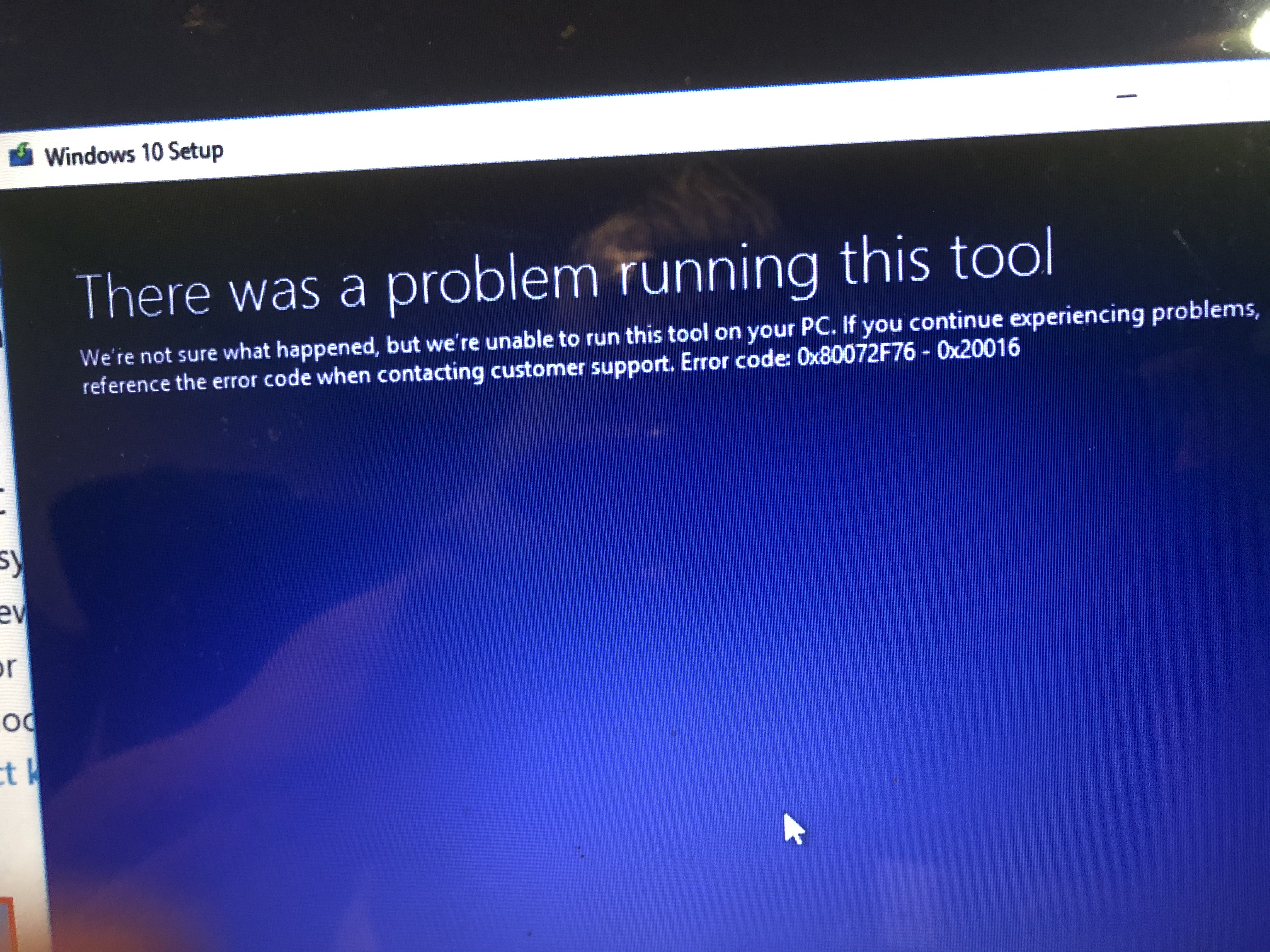
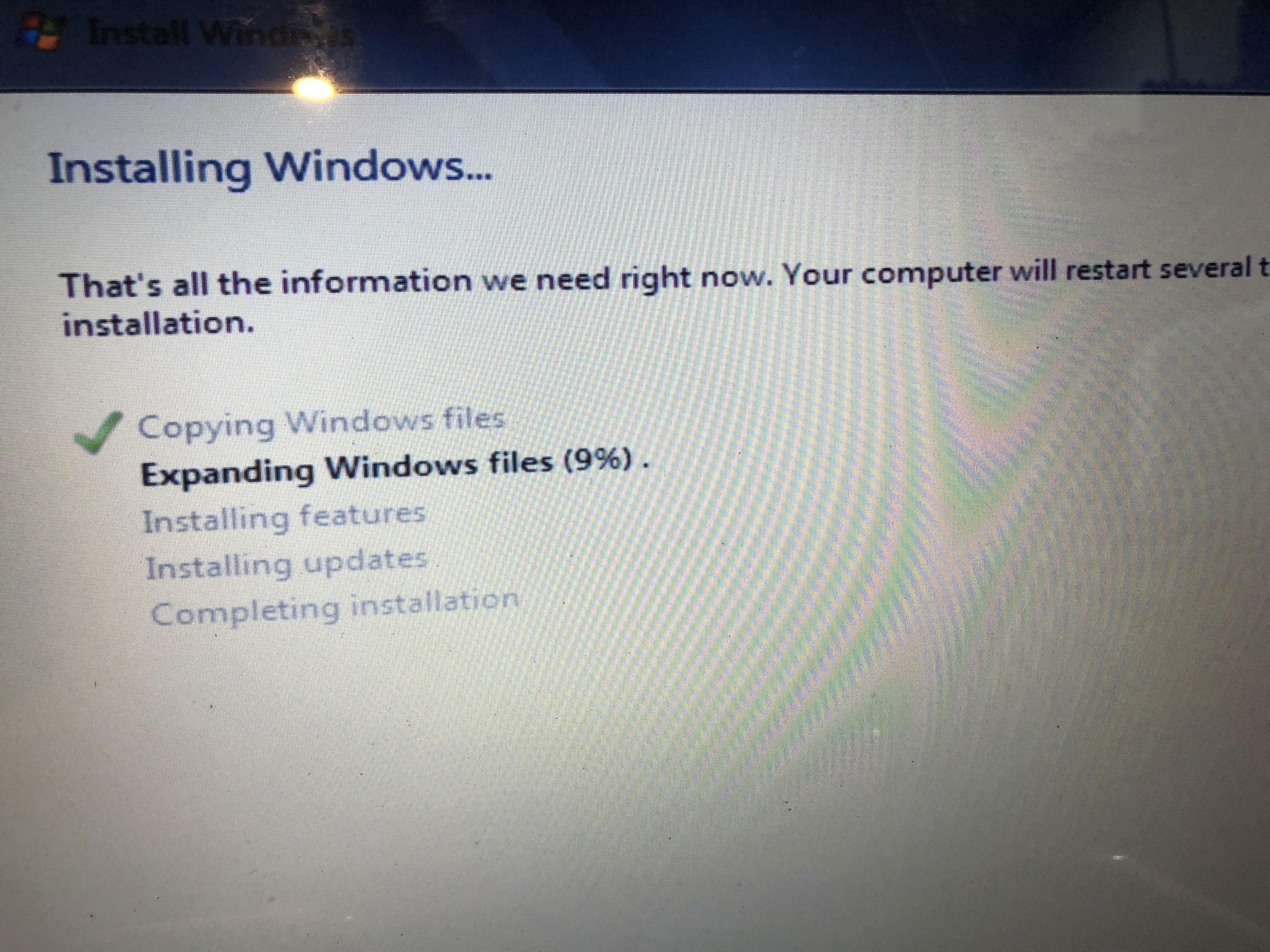
Well I did just that! It took me a while to figure out how to get the SSD to work with a Windows PC , but after formatting it with Mac Disk Utility to MS Fat & Master Boot Partition I was able to connect it to my Widows PC & format it to NTSF

& Now This
I'm using my copy of Windows 7 cause I have a proper Product Key I can all way update to Windows 10 later
If you are using a retail version of Windows 7 there won't be any drivers for the network, sound, video, chipset & power management etc. You'll have to get up on HP's support site, enter the serial number and see if there are any drivers available. If there are none to be found then you will need to go digging for drivers by the PCI Vendor ID of the unknown devices, "MOST" of the time the manufacturers reference drivers will work instead of HP specific versions.
The hardware ID is what tells you what an unknown device is in the system. Some of the specific chipset drivers are part of other packages for TPM and power management etc. You won't find a direct driver for those so you need to install the proper package (usually Intel specific hardware).
For example, here is the info for my Realtek Network card. The PCI ID for my card shows the Vendor is 10EC (Realtek) and the Device is 8168 (RTL8111/8168/8411or similar) the problem is they share these numbers across various versions of the cards but the reference driver from Realtek includes a lot of their cards in one driver package.
You can look up VEN_DEV numbers in the PCI repository.
PCI Devices
If you have any devices with a bang on them (Triangle Exclamation icon) in the device manager, post what they are here if you can't find a driver for it.
Good luck! Sometimes letting the Windows driver manager search the Windows repository for missing drivers can find them, but most of the time it can't.


 But yes for many Vista users, Window 7 was a free upgrade. And from Windows 7 to Windows 10 is also free.